Hold to record.
Let go, and we alert.
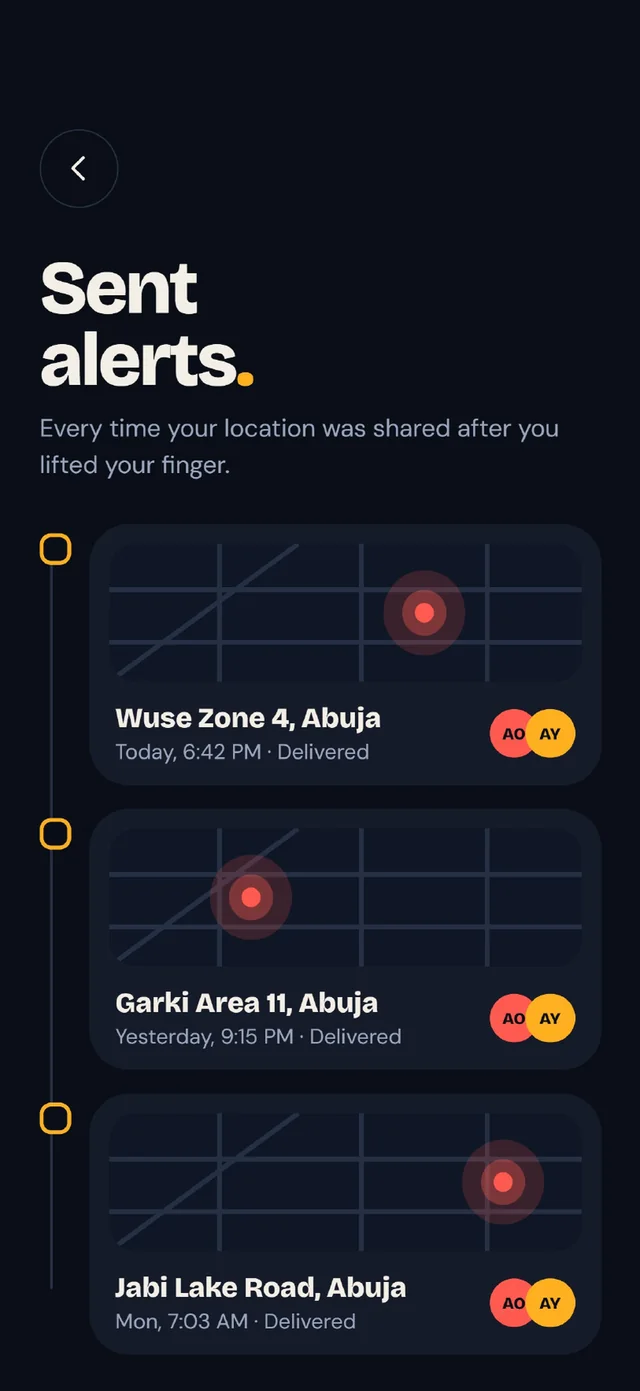
SafeLens films while your finger is down. Lift it, and your location goes straight to the people you trust.
Download for AndroidFree Android only Download from this site, not the Play Store
SafeLens works on Android phones only. It isn’t available for iPhone, iPad or computers yet.
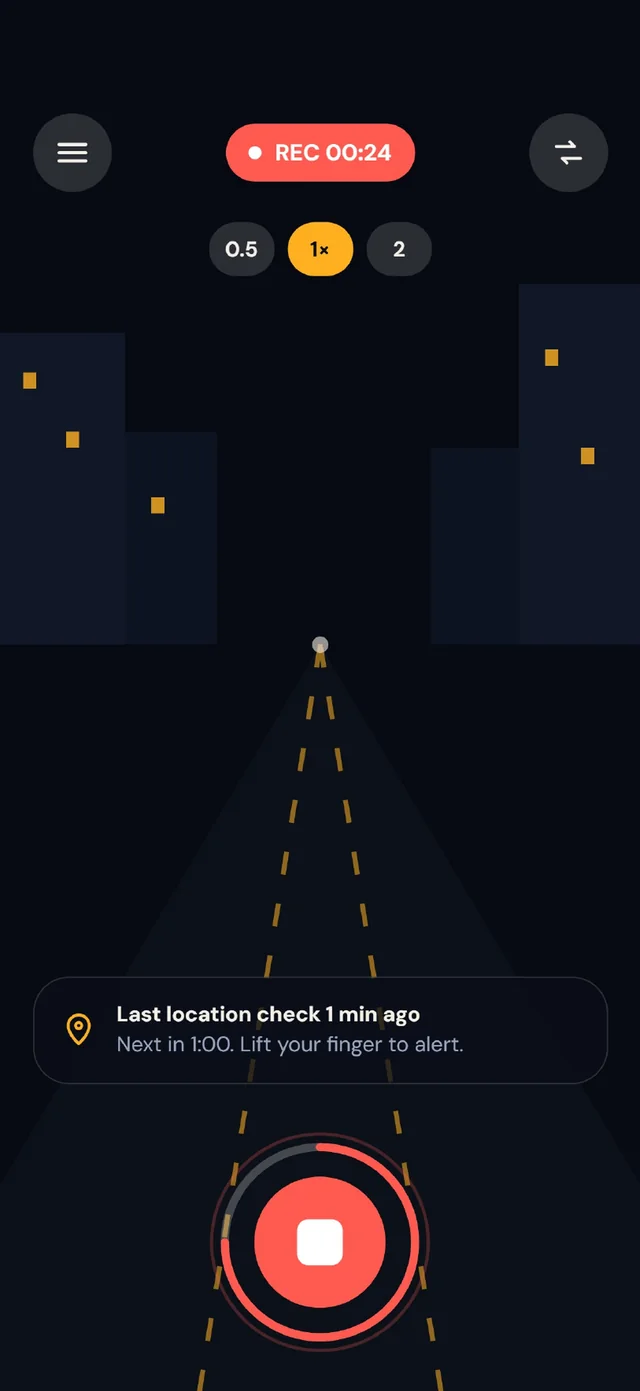
Try it. Press and hold the red button, then let go.
How it works.
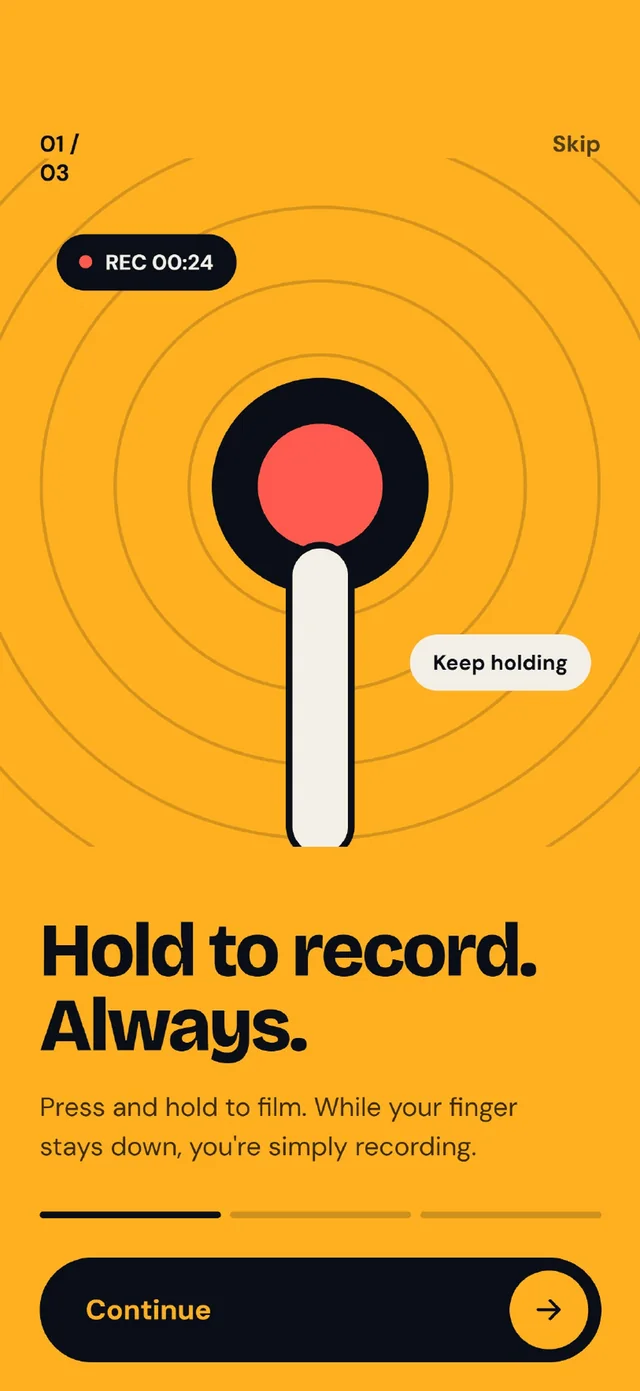
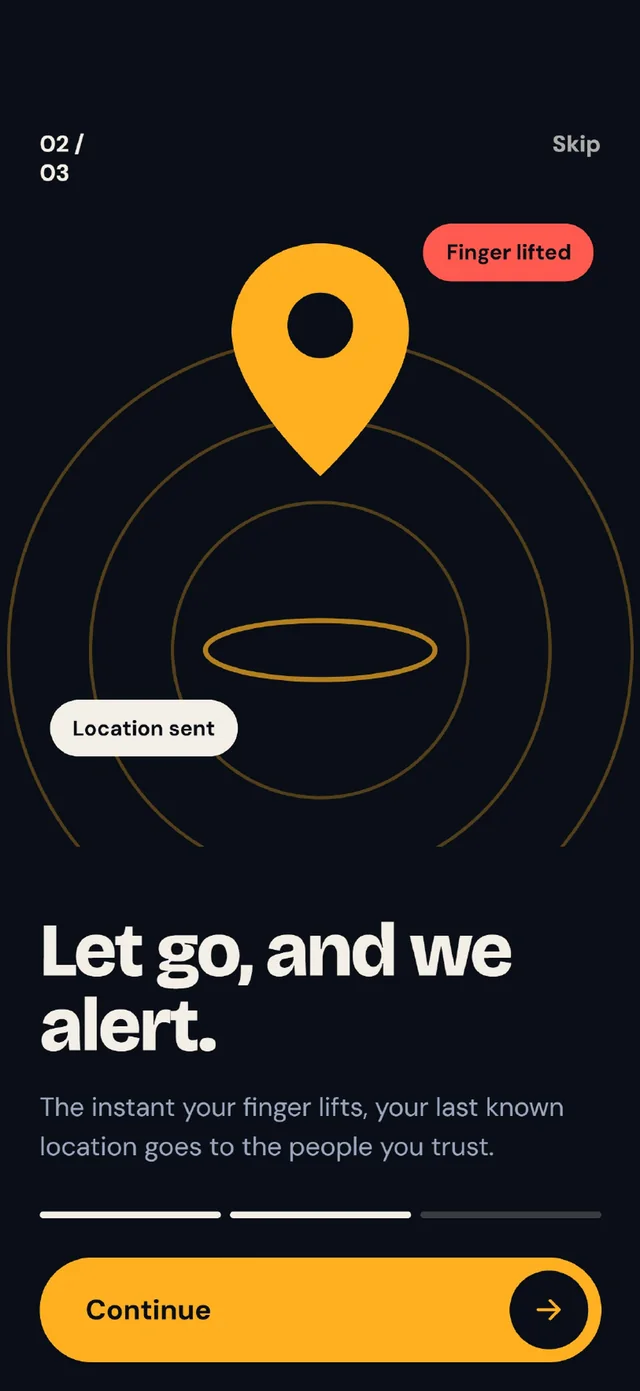
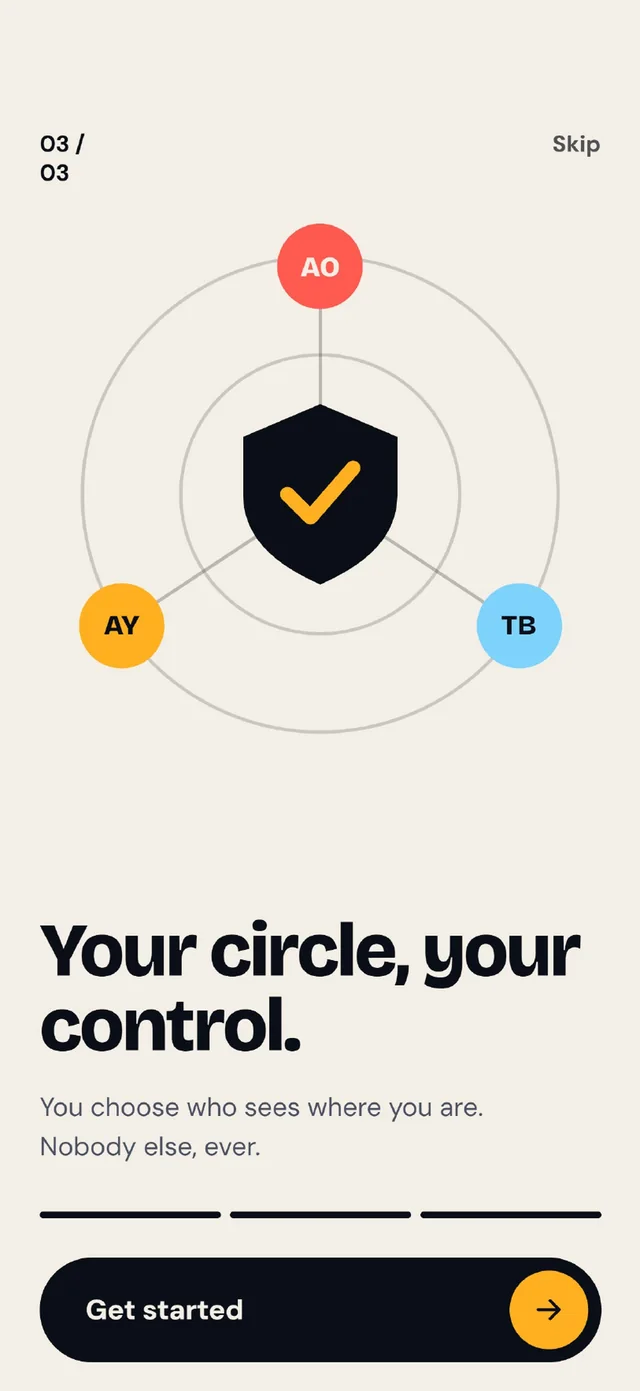
For moments that can’t wait.
When you can’t reach for your phone, your finger does the work.
-
Kidnapping
If you’re grabbed, your finger lifts and your last location goes out at once.
-
Stopped by police
Film the stop. If your phone is taken or you’re moved, your circle knows where it happened.
-
Unsafe ride or robbery
Keke or taxi off the route? Start holding. If it turns bad, they know where you were.
-
Election day
On the road or in the queue, keep it ready. If things turn violent, hold.
-
Followed or harassed
Record what’s happening, then let go to alert. The video stays as evidence.
112In an emergency, call 112. SafeLens makes sure your people know where to look.
Inside the app.
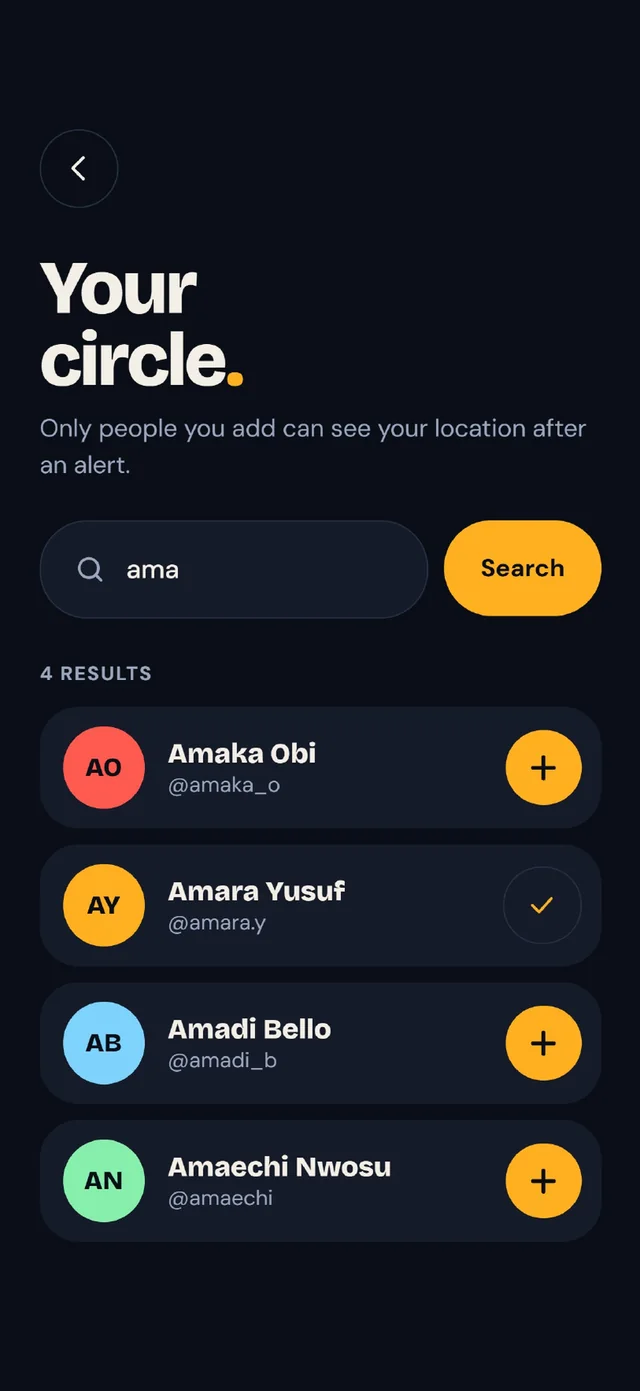
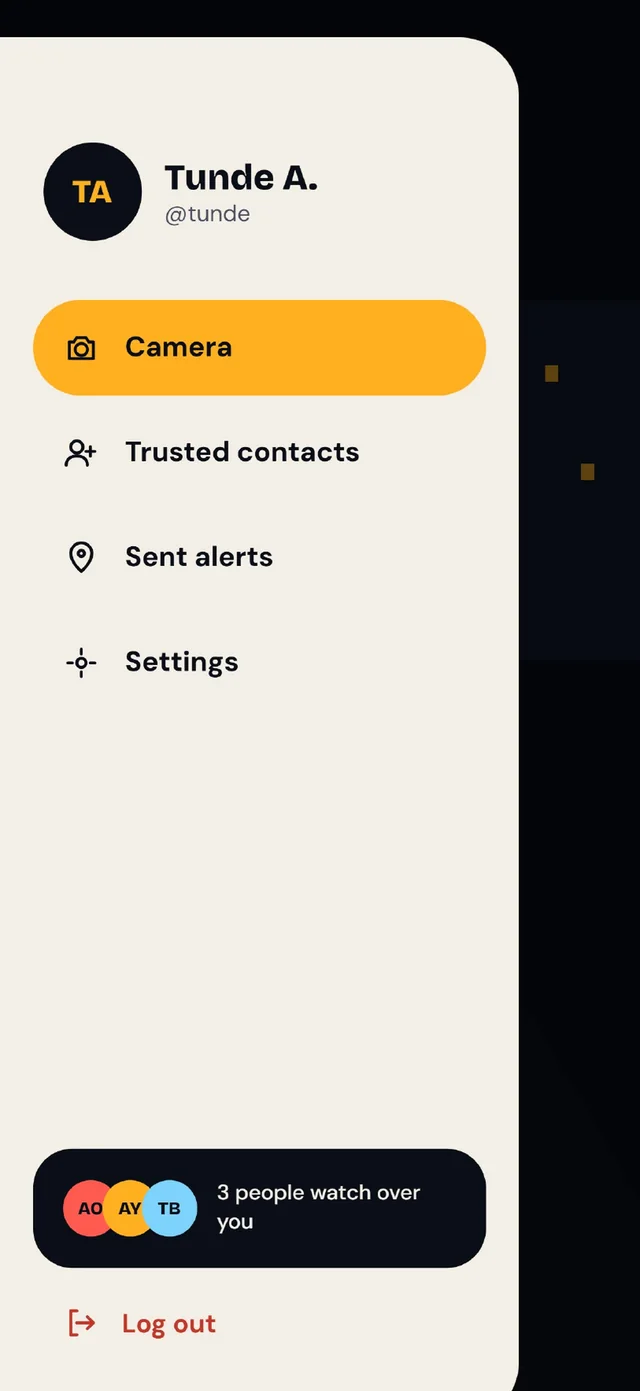
Dark screens, big buttons and one clear action.
Get SafeLens.
Install it once, add the people you trust, and keep it ready.
- Only download SafeLens from this site. Copies shared on WhatsApp or Telegram could be fake.
- It’s not on the Play Store. That’s why your phone asks for permission the first time you install it.
- Android only. There’s no version for iPhone, iPad or computers yet.
Download for Android
Free. Installs straight from this page.
Download SafeLens- Tap Download SafeLens and let it finish.
- Tap the file in your notifications, or open Files then Downloads.
- If your phone asks, tap Settings, turn on Allow from this source, go back and tap Install.
Can’t find the setting? Open Settings and search “Install unknown apps”. If Google Play Protect offers to scan SafeLens, let it.
On an iPhone?
Android app coming soon
The download isn’t live yet. Leave your email and we’ll send you the link the day it is.
Not available on iPhone
SafeLens is Android only for now. Leave your email and we’ll tell you if it comes to iPhone.
Know someone with Android?
Open this page on your Android phone
SafeLens doesn’t run on computers. Scan the code with your phone’s camera to download it there.
Want the file on this computer? Download the APK
On an iPhone?
Questions.
Who can see my location?
Only the people you add to your circle, and only after you send an alert. Nobody else can see where you are.
Why isn’t it on the Play Store?
SafeLens is downloaded straight from this website. Your phone treats any app from outside the Play Store as coming from an “unknown source”, so it asks your permission once before installing.
Is it safe to install from a website?
Download it only from this site. Don’t install SafeLens files that people forward to you, because those could be changed. After installing, you can turn the “Install unknown apps” setting back off.
Does it work on iPhone or a computer?
No. SafeLens is Android only for now. iPhone users can join the waitlist.